Press kit

Tides 2.0

A journal for the highs and lows of every day, rebuilt from scratch for iPhone and iPad.

The .zip (14 MB) has every App Store screenshot for iPhone, iPad and iPhone Duo, the app icons, the mark and the fact sheet.

Fact sheet

App
Tides: Highs & Lows Journal
Developer
Live Every Week Labs
Version
2.0
Platforms
iPhone and iPad, iOS 26 and later
Price
Free to use. Optional Tides Plus: monthly, yearly or lifetime
Category
Lifestyle
Account
None needed
Data collected
Anonymous usage counts, never journal content

Describing Tides

In one line

Tides is an iPhone and iPad journal for the highs and lows of every day, with a daily Gratitude page, a River timeline and monthly recaps. It's free to use, with no account and no ads.

In a paragraph

Most days hold something good and something hard. Tides asks you to write both down. Each Entry is a High, a Low or Both, with up to three Photos and Tags. On iPhones and iPads with Apple Intelligence you can say an Entry instead, and Tides tidies it up on the device. A Gratitude page asks what you’re grateful for each day, and one Streak counts both. Timeline lays your days out as a Feed, a River or a Month of Photos; Insights shows when your Highs happen and how Gratitude changes a day; and each month ends as a short recap you can share. Tides 2.0 is a ground-up rebuild with eight colour themes, widgets, Control Center buttons, Face ID lock, iCloud sync and a layout made for iPad. It's free to use, and Tides Plus is optional: more widgets, app icons and writing fonts. There's no account and no ads. The app sends anonymous usage counts, never the user's words, and the journal stays on the user's devices and in their own iCloud.

The longer version

Tides is built around one question: what was your high today, and what was your low? It's the question behind "rose and thorn" and "highs and lows" at family dinners and in classrooms. Tides turns it into a journal that takes a minute a day.

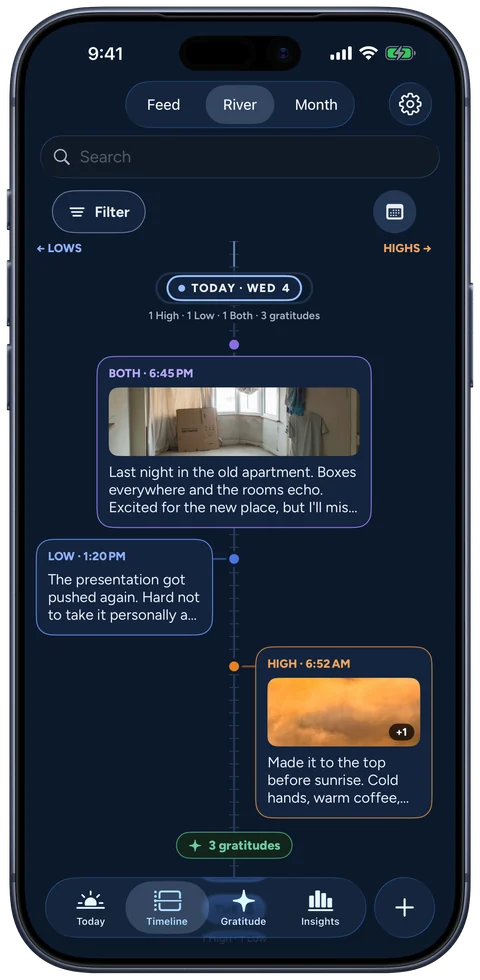
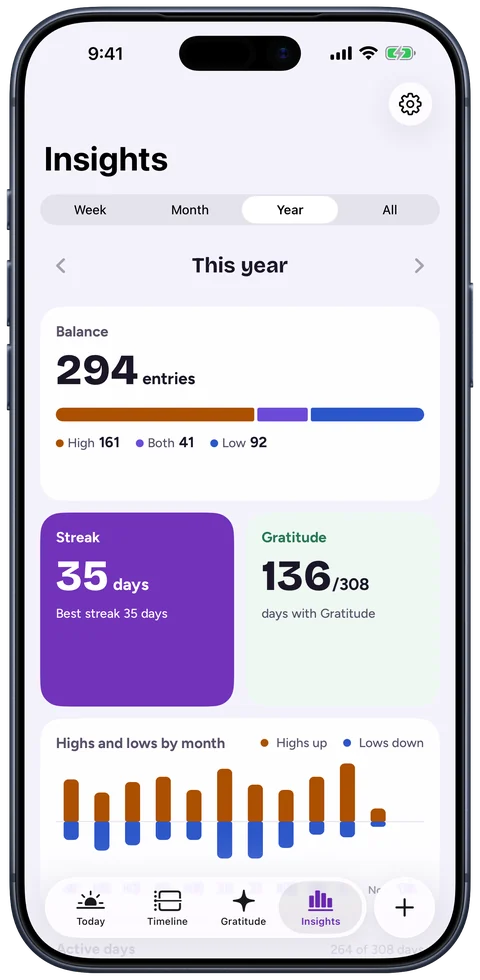
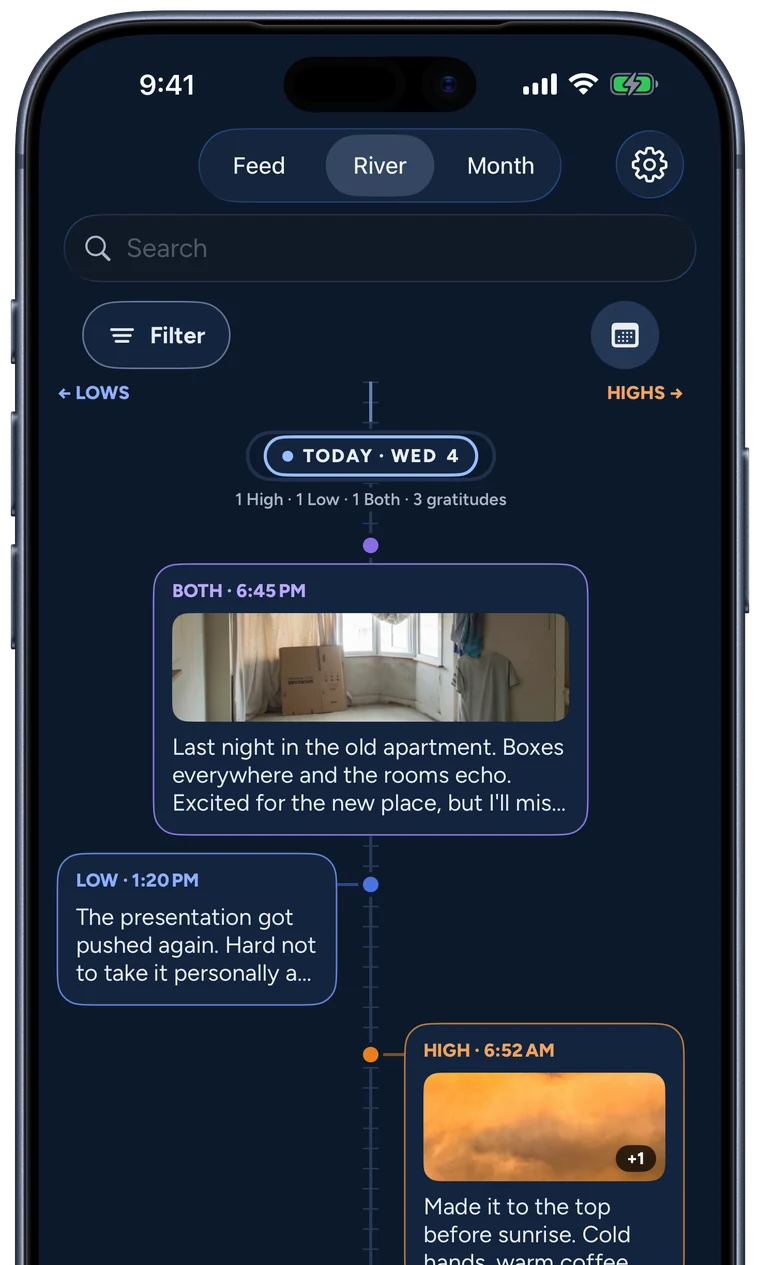
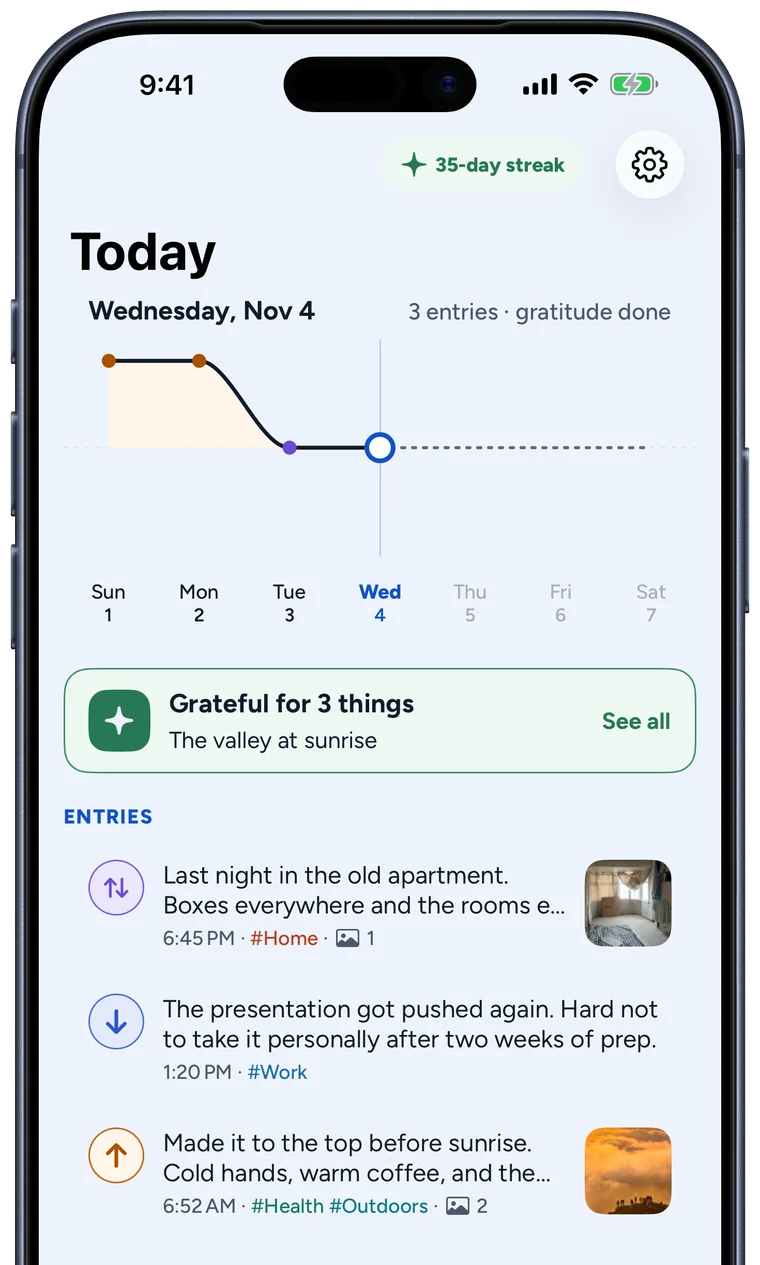
Version 2.0 rebuilds the app from the ground up. The new Today screen holds the day's Entries and its Gratitude together. Entries can now be Both, for the moments that are a bit of each. Timeline adds River, a view that sets Highs and Lows on either side of a line so the shape of a week shows at a glance. Insights covers any week, month, year or all time, and finds your brightest day of the week and the hour you tend to write.

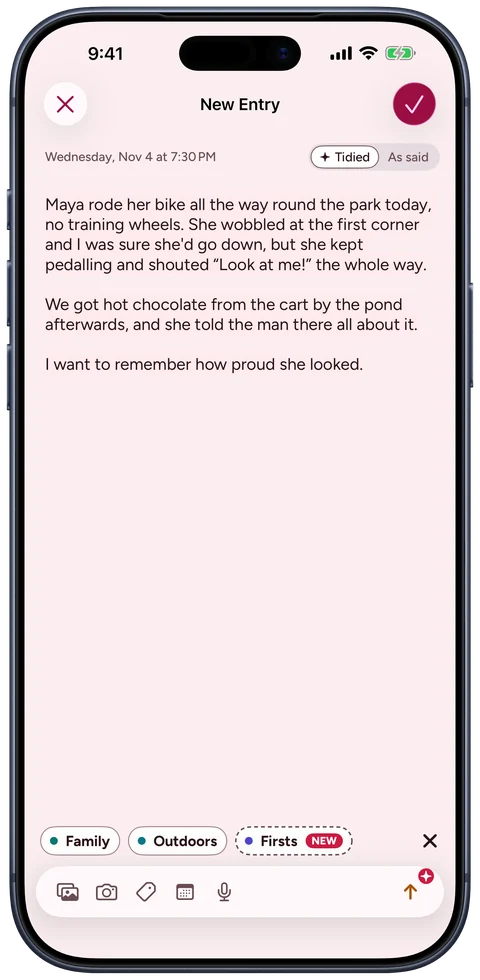
On iPhones and iPads with Apple Intelligence, the composer has a mic. Speak a High or a Low for up to five minutes and the words land on the page as you talk. When you stop, Tidy up takes out the filler and false starts and adds paragraphs, keeping the speaker's own words, and Tides suggests an Entry type and Tags to tap. Settings choose how much Tidy up does (Readable or Compact, or off), take short notes it always follows, like British spelling, and list names and words Dictation mishears, each written the way it's spelled. Apple's on-device speech recognition and Foundation Models do the work, so nothing said goes to a server, and Tides keeps no audio. Dictation is free.

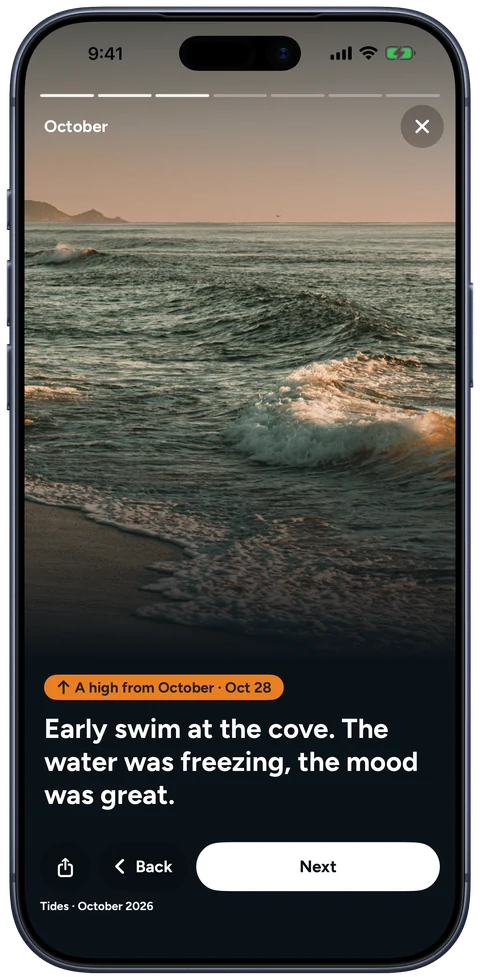
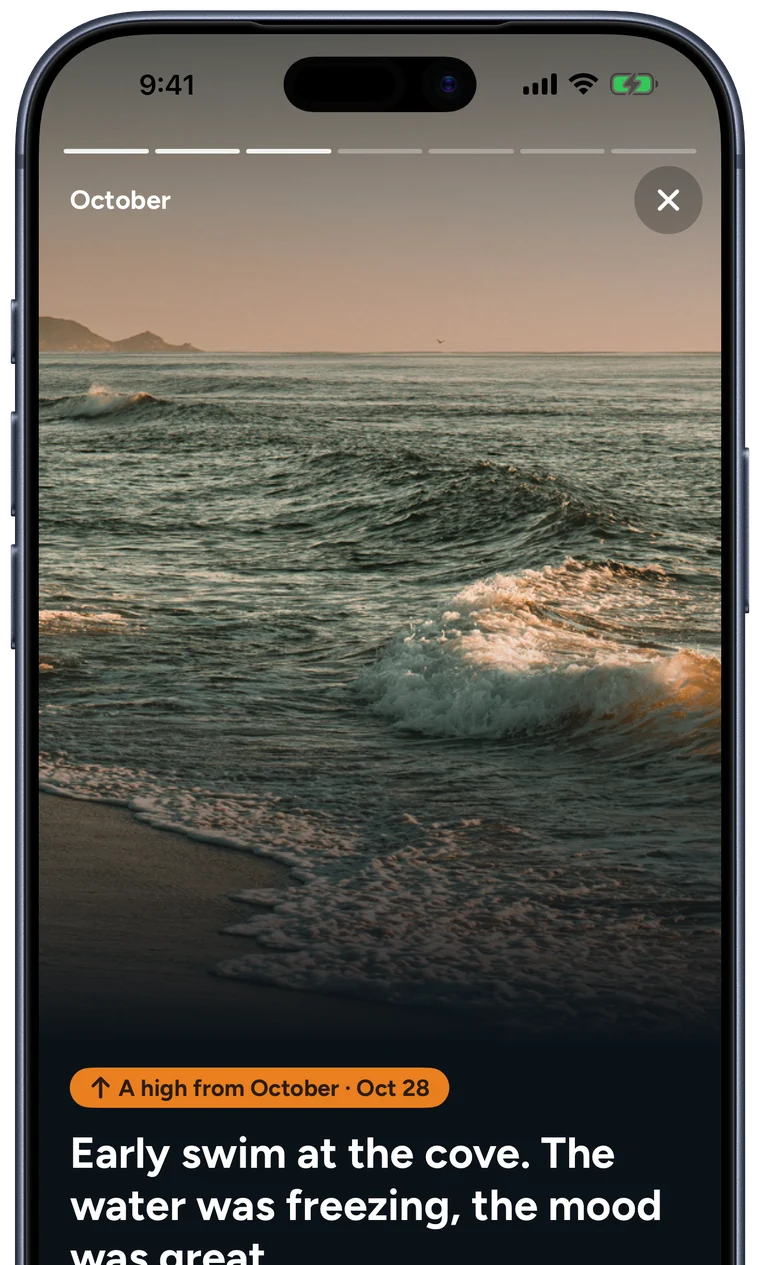
At the start of each month, Tides gathers the last one into a recap: the count, the best High, the Photos. It's made to flip through and share.

Tides keeps the journal private. There is no account and nothing to sign in to. Entries live on the device and in the person's own iCloud, behind Face ID, Touch ID or a passcode, with automatic Backups. The app counts which features get used, anonymously and with no journal content, and one switch in Settings turns that off.

Tides is free to use. Tides Plus, an optional upgrade, adds every widget beyond the small Streak, seven more app icons and three more writing fonts, monthly, yearly or once for life. Writing, Dictation, Gratitude, Timeline, Insights, recaps, sync and all eight themes are free.

New in 2.0

  • A daily Gratitude page, as long or short as the day
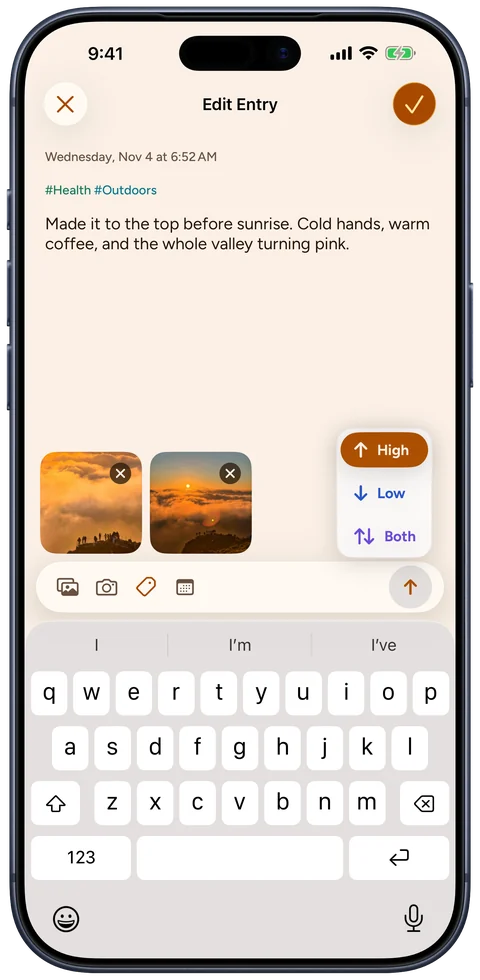
  • Entries can be High, Low or Both
  • Dictation with Apple Intelligence, tidied up on device
  • Timeline in Feed, River and Month views
  • Insights for week, month, year and all time
  • A Month recap you can share
  • Tags to rename, recolour and merge
  • Home and Lock Screen widgets
  • Control Center buttons, Shortcuts and Siri
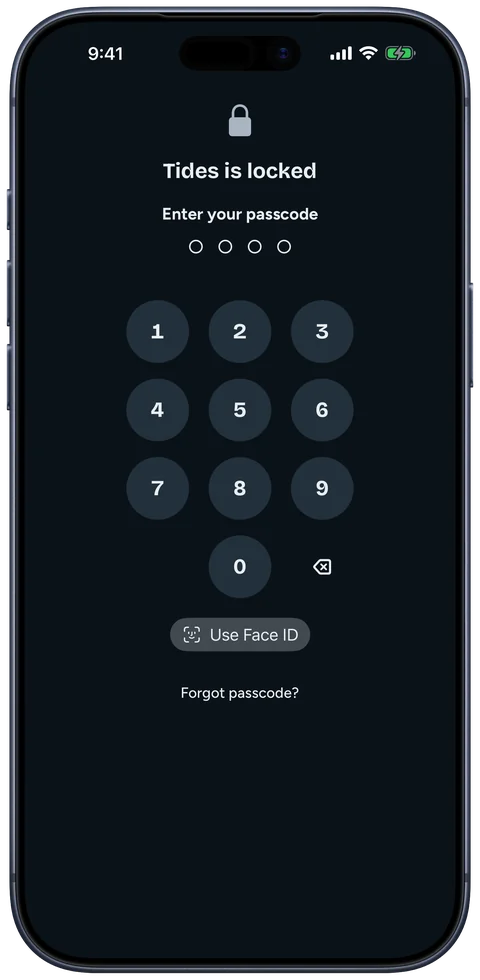
  • Face ID, Touch ID or passcode lock
  • iCloud sync and automatic Backups
  • Eight themes and eight app icons
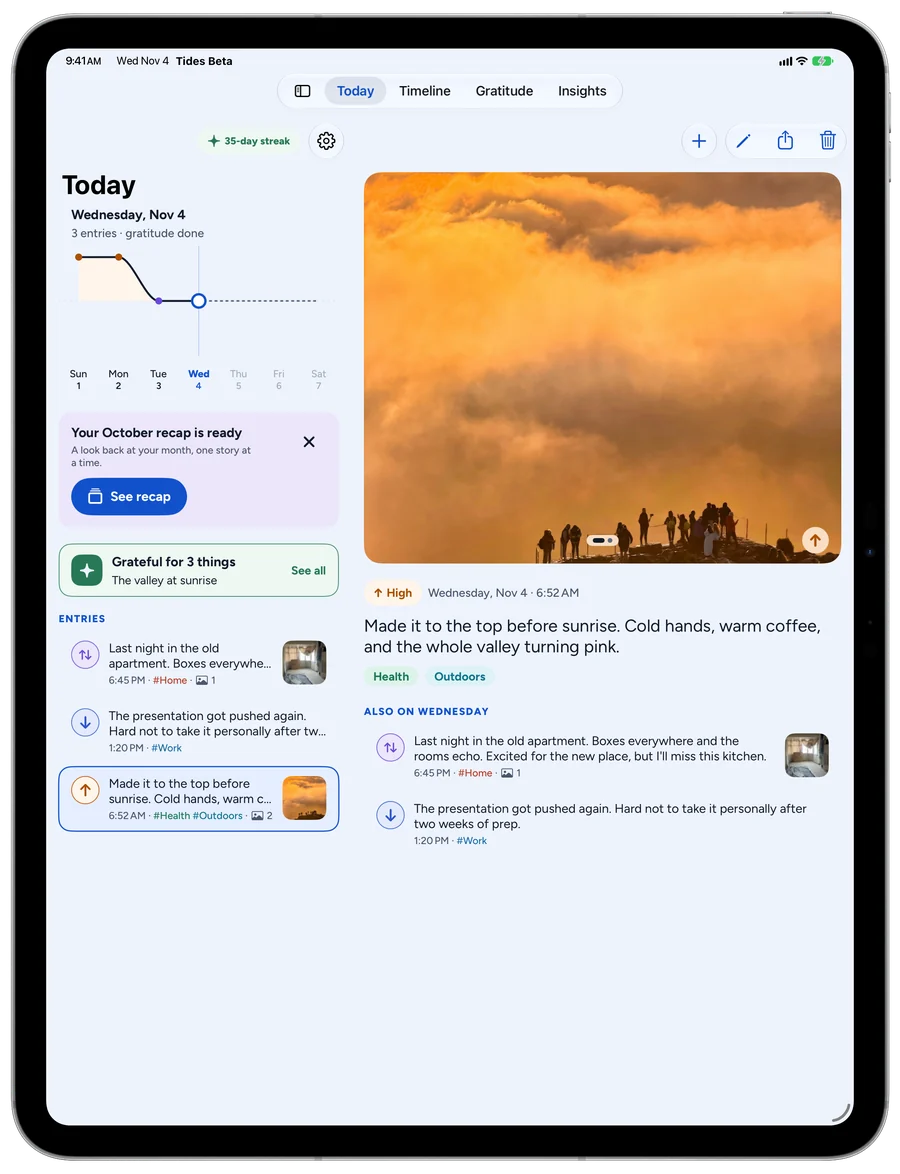
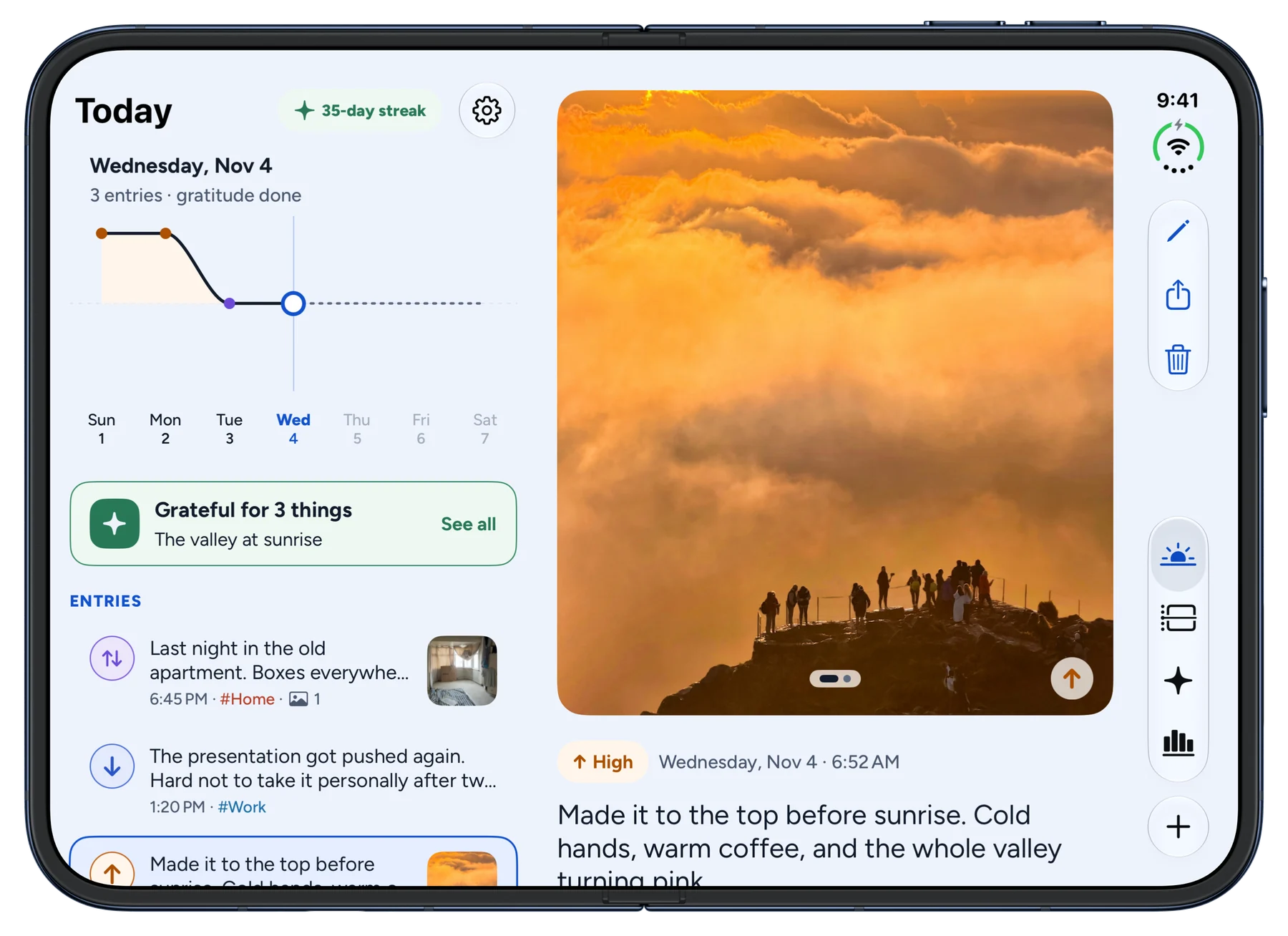
  • A sidebar and two columns on iPad, and a layout made for iPhone Duo
  • Tides Plus, optional: more widgets, icons and writing fonts

Story angles

  • A private journal with no account, when most journals want one
  • Rose and thorn, the family-dinner ritual, as an app
  • An indie rebuild for iOS 26 and Liquid Glass
  • Gratitude as a one-minute habit
  • Spoken journaling with Apple's on-device models, with nothing sent to a server
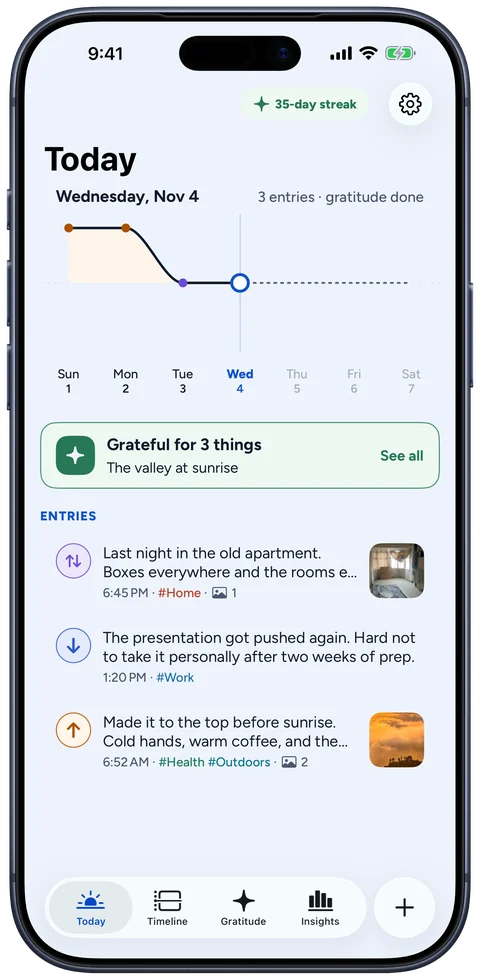
Today in the Blue theme
Today, Blue
The composer in the Orange theme with the High, Low and Both picker
High, Low or Both, Orange
A new Entry after a Dictation in the Red theme, its words tidied into paragraphs with suggested Tags
Dictation, Red
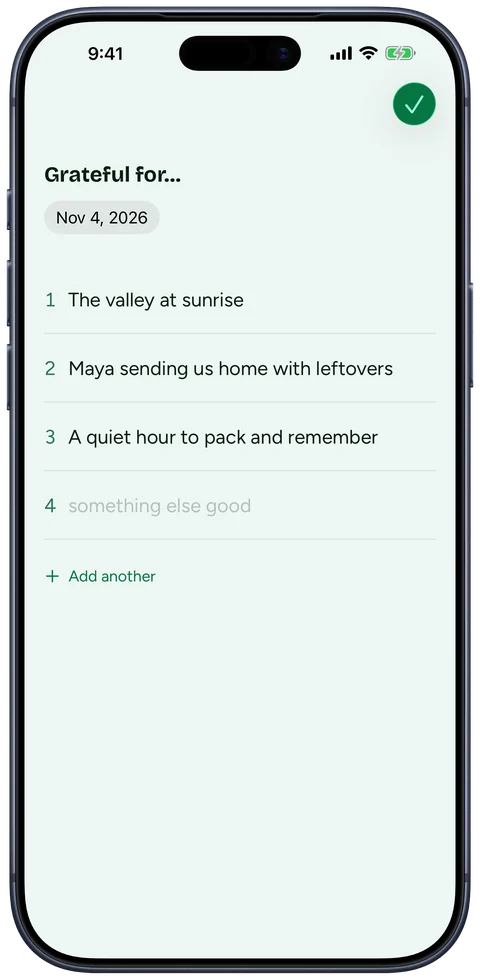
The Gratitude page in the Green theme
Gratitude, Green
Timeline River in the Blue theme after dark
Timeline River, Blue dark
Insights for the year in the Purple theme
Insights, Purple
October's Month recap in the Pink theme
Month recap, Pink
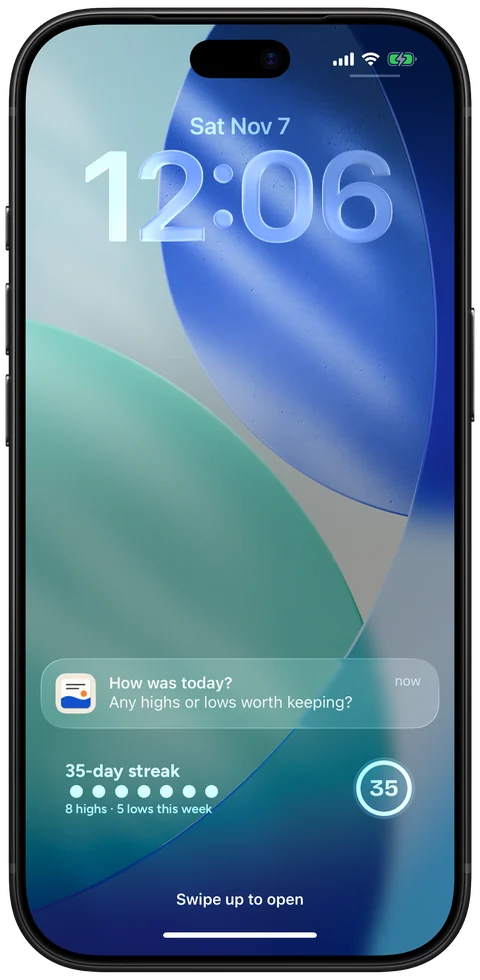
The iPhone Lock Screen with a Tides reminder, “How was today?”, above Tides' rectangular and circular Streak widgets
Lock Screen reminder and Streak widgets
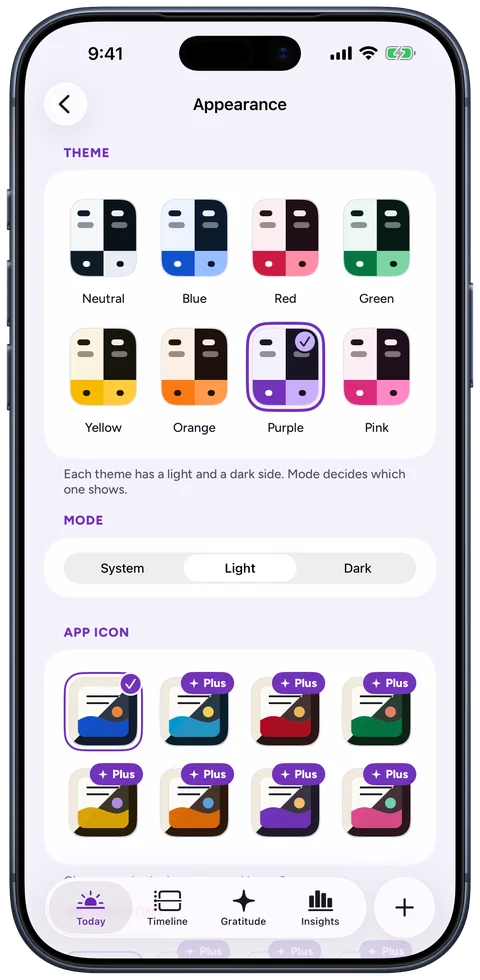
Settings, Appearance with the eight themes and app icons
Themes and icons, Purple
The App lock screen in the Neutral theme after dark
App lock, Neutral dark
Tides on iPad: Today beside an open Entry
iPad, Today beside an Entry
Tides on an open iPhone Duo: Today beside an open Entry
iPhone Duo, open flat

The sample journal's Photos are from Unsplash, used under the Unsplash License. Credits are in the .zip.

App icons

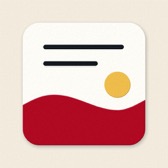
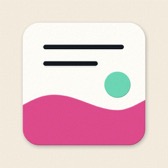
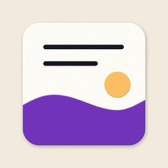
Blue is the default. People pick any of the eight in Settings, under Appearance.

  • Blue
  • Sky
  • Green
  • Yellow
  • Orange
  • Red
  • Pink
  • Purple

The mark

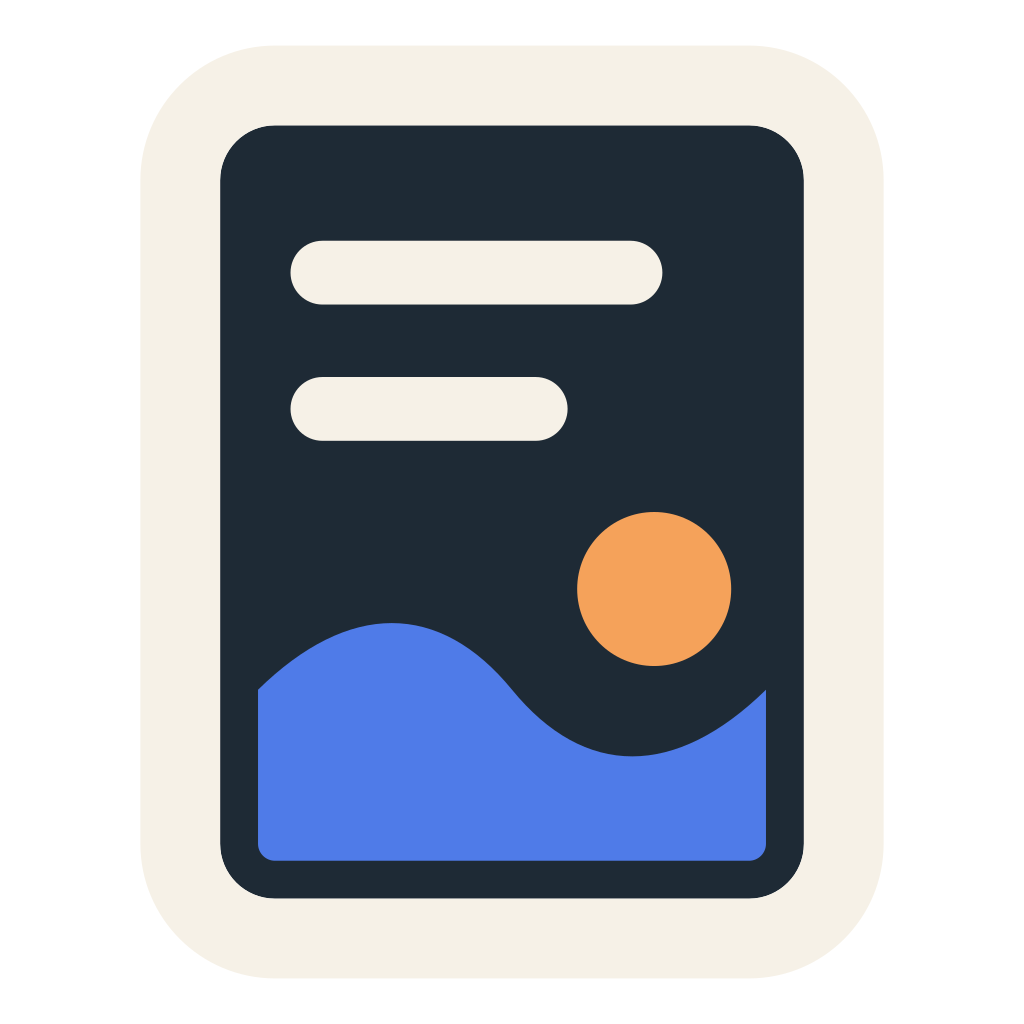
A page with a sun and the sea across it, drawn from the app icon. Please don't recolour, stretch or add effects to it.

Type

Highs and lows

Bricolage Grotesque, ExtraBold, for headlines

Write a few lines about what lifted your day.

Figtree, Regular to Bold, for text

Colour

The mark's four colours, then the eight themes, each with a light and a dark side in the app.

  • Page#F6F1E7
  • Ink#0F1B26
  • Sea#2C56C9
  • Sun#E97F1E
  • Neutral#344254
  • Blue#1454CF
  • Red#B30D25
  • Green#0A7B47
  • Yellow#DBA60C
  • Orange#E26E0B
  • Purple#7537BE
  • Pink#E04E8D

Writing about Tides

  • It's "Tides", not "Tides app" or "TIDES". The App Store name is Tides: Highs & Lows Journal.
  • Each Entry is a High, a Low or Both. Tides doesn't score or track mood.
  • Gratitude starts with three lines and has room for more.

Contact

Tides is made by Live Every Week Labs. For press questions and review copies, email support@liveeveryweeklabs.com.